Net WPM and accuracy: how to measure typing speed honestly
Gross WPM, accuracy and net WPM explained with arithmetic you can check by hand, plus why a 10 second sample is noisy and why you should only compare like with like.
Typing speed is usually given as one number, words per minute, and that number hides a lot. A fast run full of mistakes and a slower clean run can look alike, and a short test can give very different scores on two attempts a minute apart. This guide explains the three numbers worth knowing, gross WPM, accuracy and net WPM, with arithmetic you can do yourself.
This post is part of our touch typing series. For the full learning path, start with the touch typing guide.
- Gross WPM counts everything you typed. Net WPM discounts the characters that were wrong, so it is the fairer headline speed.
- A word is five characters, spaces included, so speed is just characters typed divided by 5 divided by minutes.
- A 10 second sample is too noisy to show progress. Compare results only when the passage type, length and rules are the same.
What a word is, and what gross WPM means
Typing tests do not count real words, because words vary in length. They use a standard "word" of five characters, with spaces and punctuation counted as characters. Gross WPM is then:
Gross WPM = characters typed / 5 / minutes
If you type 300 characters in one minute, that is 300 / 5 = 60 words over 1 minute, so 60 gross WPM. If it takes you two minutes to type the same 300 characters, it is 60 / 2 = 30 gross WPM. Gross WPM says how fast your fingers produced characters. It says nothing about whether those characters were the right ones.
Accuracy: the share you got right
Accuracy is the proportion of characters that were correct, shown as a percentage. Say you typed 300 characters and 285 were correct. Then 285 / 300 = 0.95, or 95 percent. The research notes behind Tutype write this as correct characters divided by the target text, and the app's code divides by the characters typed, which comes to the same thing at the end of a full run.
Be aware that tools differ. Some count only what is left on the screen after you fix a slip with Backspace. Others count first-try accuracy, which treats a slip as a miss even if you corrected it. Tutype is designed to use first-try accuracy in its Learning mode and its timed test, because a corrected slip still shows that the key was not yet automatic. Neither definition is the one true answer. What matters is knowing which one a tool uses and sticking with it.
Net WPM: speed that counts only what was right
Net WPM combines the two:
Net WPM = gross WPM x accuracy
Take the example above. Gross WPM was 60 and accuracy was 95 percent, so net WPM is 60 x 0.95 = 57. There is a quick check: 285 correct characters / 5 / 1 minute is also 57. The two routes always agree, which is why net WPM can also be described as correct characters / 5 per minute.

Now compare two runs. Run A is the one above: 60 gross, 95 percent, 57 net. Run B types 350 characters in a minute, which is 350 / 5 = 70 gross WPM, but only 280 are correct, so accuracy is 280 / 350 = 0.8, or 80 percent. Net WPM is 70 x 0.8 = 56, and the check gives 280 / 5 = 56. Run B looks faster on gross speed and is slightly slower once the mistakes are counted. In real life mistakes also cost time to notice and fix, which this simple formula does not model, so rushing is usually a poor trade.
| Option | Good fit | Trade-off |
|---|---|---|
| Gross WPM | Characters typed / 5 / minutes | Rewards raw speed and ignores errors. Useful as a second number, not as the headline. |
| Accuracy | Correct characters as a percentage | Tells you whether you are in control. Check which definition a tool uses. |
| Net WPM | Gross WPM x accuracy | The fairer single figure, since wrong characters do not count as progress. |
Why a 10 second sample is noisy
Short samples swing a lot. There are six lots of 10 seconds in a minute, so each character in a 10 second test is worth 1/5 x 6 = 1.2 WPM. Type 40 characters and you score 40 / 5 x 6 = 48 WPM. Type just 5 more, 45 characters, and you score 54. One hesitation or a lucky run of easy letters moves the result by six WPM. Over a full 60 seconds the same five characters change the score by only 1 WPM, since 5 / 5 / 1 = 1.
That is why the Tutype research notes say a 10 second sample is too noisy to claim progress. A longer test smooths out the stumbles, and an average of several tests smooths them further. Treat one score as a reading, not a verdict.
Compare like with like
A score only means something next to another score taken under the same conditions. Passage type matters, because common words are easier than capitals and punctuation, and code is harder again. Duration matters, and so do the rules, such as whether Backspace is allowed, whether a guide or on-screen keyboard is showing, and which keyboard layout you use. Comparing a score on easy words with one on a paragraph of symbols tells you about the text, not about you.
Tutype is designed around this. Its timed test runs for 60 seconds from your first keystroke, uses a fresh passage from the 200 most common English words, allows Backspace, and shows no hand guide. It reports net WPM and first-try accuracy, and every result is stored with the id of the rules it used. Only results under the same rules are compared, with a best, an average of the last five and a trend against the five before. If the rules ever change, the id changes and old scores are not mixed in. Runs with fewer than 20 keystrokes do not count. All of this describes how the app is built, not results from users, because we have not launched.
A simple way to use these numbers
Pick one test with fixed rules and take it now and then, under similar conditions, rather than constantly. Look at accuracy first. The Tutype research notes suggest that below roughly 85 to 90 percent the sensible move is to take speed pressure off and practise targeted drills. These are starting points in the product, not proven cutoffs. Once accuracy is steady, speed has room to rise. If you are wondering how long that takes, see how long it takes to learn touch typing. And when accuracy is the problem, the next step is to find which key pairs cause the slips, which we cover in touch typing mistakes and weak key pairs.
A final caution: speed alone cannot tell touch typing from fast hunt-and-peck typing, and most keyboarding studies are small, so no single WPM figure is a certificate of skill. Use these numbers to see your own trend, not to rank yourself against strangers.
Where Tutype is today
Tutype is our touch typing app. It is in development and we plan to launch it soon, so we have no user numbers or speed gains to show. If you would like to hear when it opens, or want to talk about using it in a school, get in touch with us. If you are planning a learning app or a measurement tool of your own, see our web development service.
How we prepared this guide
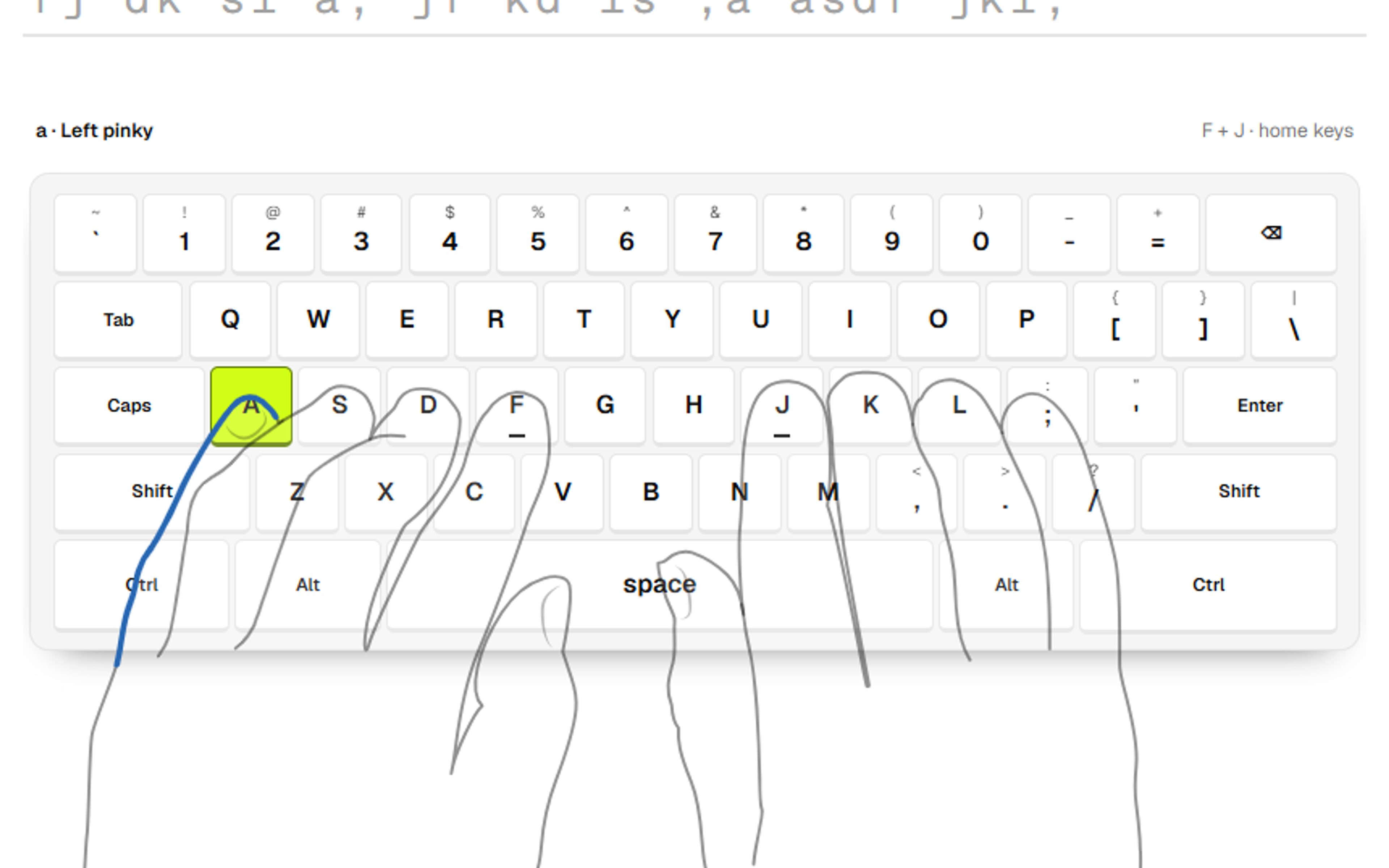
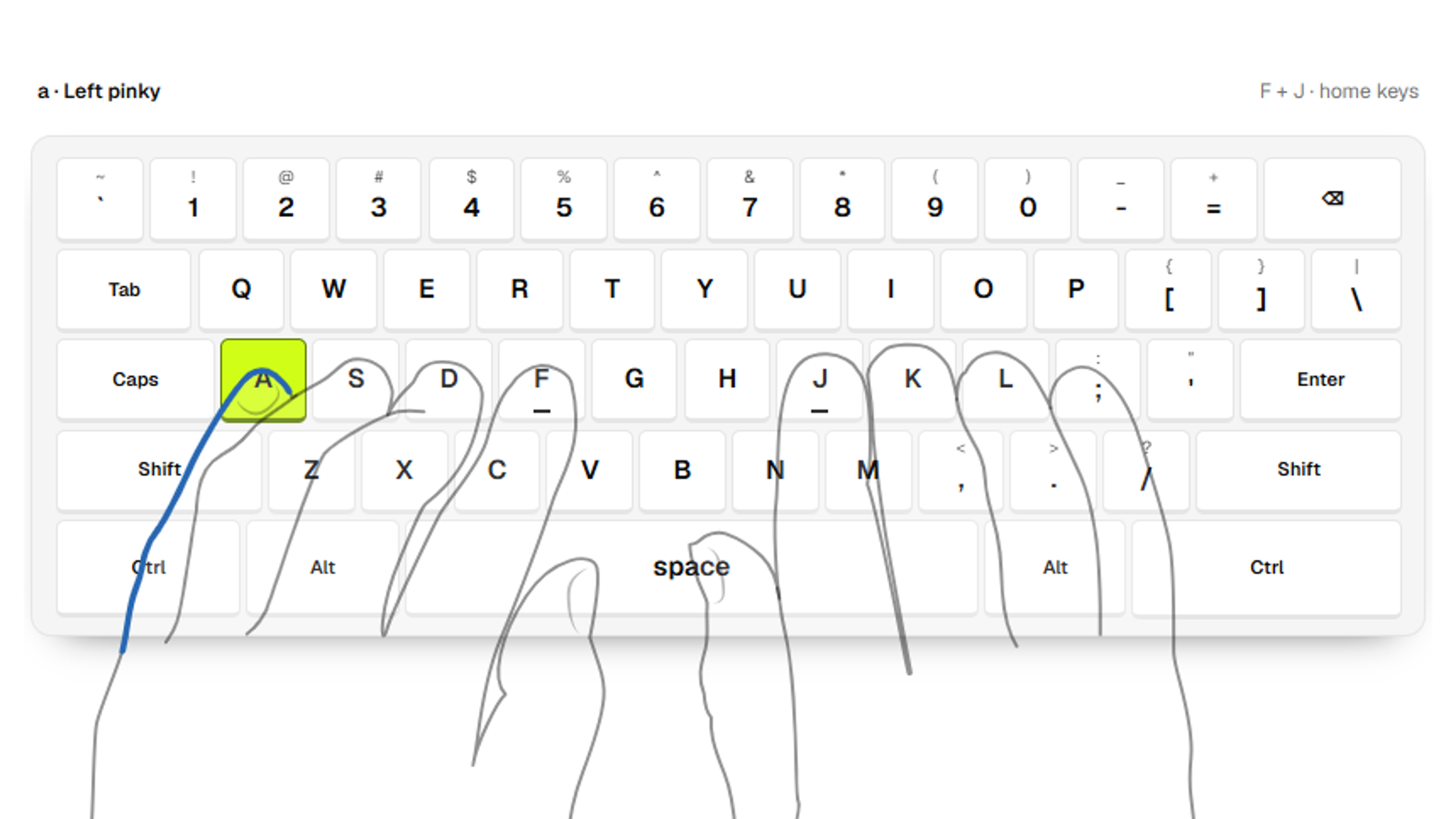
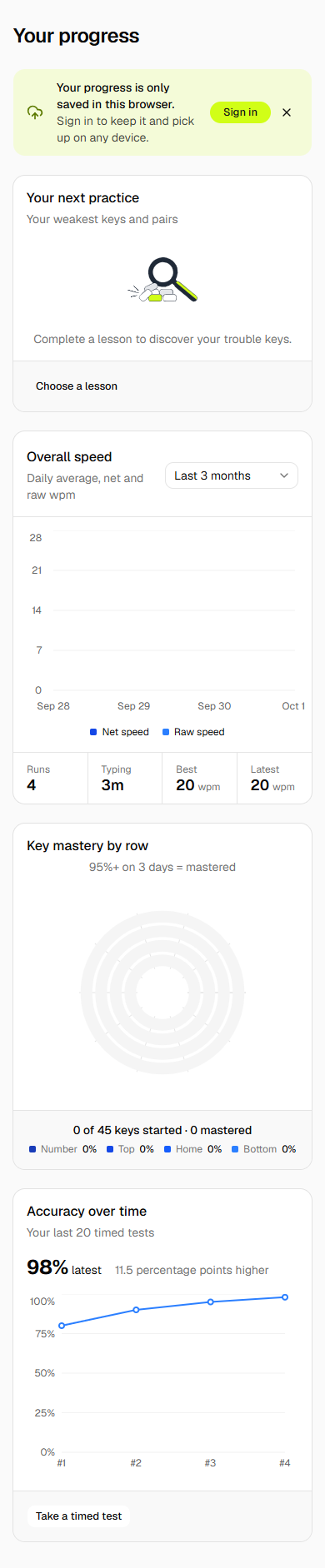
Written by Alphonix. The formulas and the comparability rules come from the research notes in the Tutype repository (typing-pedagogy-research.md, section 3) and from the app's metrics code, which we read. The worked examples use invented round numbers chosen only to show arithmetic; each was calculated by hand and re-checked. Tutype is a product we are building and have not launched, so it is described as designed, with no learner results. The screenshot is from our development build and shows test data, not learner results. The formula diagram was drawn by Alphonix.
Facts reviewed