How long does it take to learn touch typing?
There is no honest fixed answer, and we will not invent one. Here is what affects how long touch typing takes, and how short sessions and spaced review are meant to work.
People often want a number: how many days, how many weeks. We cannot give you an honest one, and we would be wary of anyone who does. The research we have read does not give a fixed duration for learning touch typing, and learners differ in age, starting point, how much they type each day and how carefully they practise.
This post is part of our touch typing series. For the full learning path, start with the touch typing guide.
What we can do is explain what changes the time it takes, and how to practise so that what you learn stays learned. This is the third post in a series by Alphonix. We are also building a touch typing app called Tutype, which has not launched, so where we describe its design we say so and we do not claim any results.
- There is no fixed duration to promise. Starting point, age, amount of real typing and quality of practice all change the answer.
- Short sessions of about 5 to 10 minutes, spread over many days, are the design choice we follow, rather than one long sitting.
- A key is better judged learned after good runs on separate days. The thresholds we use are product starting points, not proven cutoffs.
Is there a fixed answer?
No. Most studies on keyboarding instruction are small or quasi-experimental, many involve children, and there is no standard assessment for typing skill. Because of that, any single figure for how long it takes would claim more than the evidence supports, and we have chosen not to print one.
Even the question of what counts as learned is open. Aalto University's 2016 study of 30 typists found that course-trained touch typists had similar average speed and accuracy to self-taught typists who used about six fingers. The faster typists kept their hands in a fixed position and used the same finger for the same letter. So finished can mean a few different things: finding keys without looking, typing accurately, or typing quickly, and these do not arrive at the same time.
What changes how long it takes
| Option | Good fit | Trade-off |
|---|---|---|
| Where you start | Someone who already types while looking down has habits to change. A complete beginner has none yet. | Neither is faster or slower by rule. A placement check can show where to begin. |
| Age and comfort with keyboards | Children often need shorter sessions and larger targets; adults often want practical text sooner. | Plan session length around attention, not a target. |
| How much you type for real | Regular everyday typing gives you extra practice on the keys you use. | Drills help, and so does using the skill in real work. |
| Accuracy habits | Slow, accurate practice builds the right movements. | Rushing with many errors can lock in the wrong ones. |
| Consistency | We design for many short sessions across days rather than a single long one. | Skipping days is normal; the plan should allow for it. |
We do not claim more than that. Our design notes also say that using the skill in real contexts probably matters alongside drills, but the evidence on this is limited, so treat it as a sensible habit and not a rule.
Why short, spaced sessions
We design Tutype around short sessions of about 5 to 10 minutes. The idea is to reward coming back tomorrow rather than grinding for an hour today. A keyboard skill is movement memory, and short regular practice with rest in between is how we expect that memory to settle. This is a design principle taken from our own research notes, and we have not tested it on our own learners.
In the same way, a skill you only practise once tends to fade, so nothing in the plan is ever retired for good. A key you learned last week should come up again in review, then again after a longer gap.
How mastery can be judged
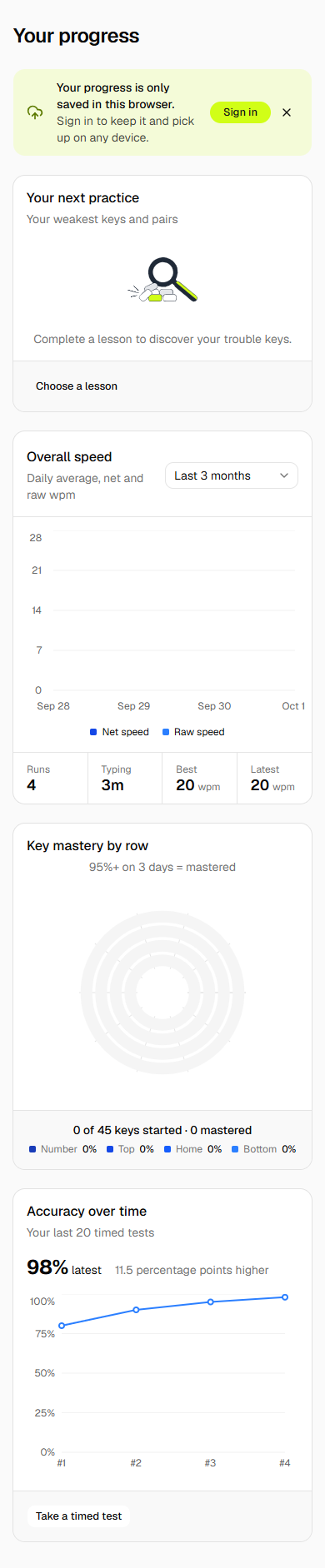
Ten correct presses in one lesson do not show that a key is learned. In Tutype's design, a key or key pair counts as mastered after good runs on three separate days, where a good run means at least 95% first-try accuracy. Doing it all in one sitting does not count towards that.
After that, each item is scheduled for review at growing gaps of 1, 2, 4, 7, 14, 30 and 60 days. A good review day moves it to a longer gap, and a poor run, below 85% accuracy, brings it back sooner. A mastered key that slips returns to review until it has one more good day.
These numbers are product starting points. They are not proven cutoffs from research, and we have not validated them with real learners. We expect to adjust them once we can see how people actually learn. If a typing course claims a particular threshold is the scientific one, ask what study it comes from.
A plan you can use today
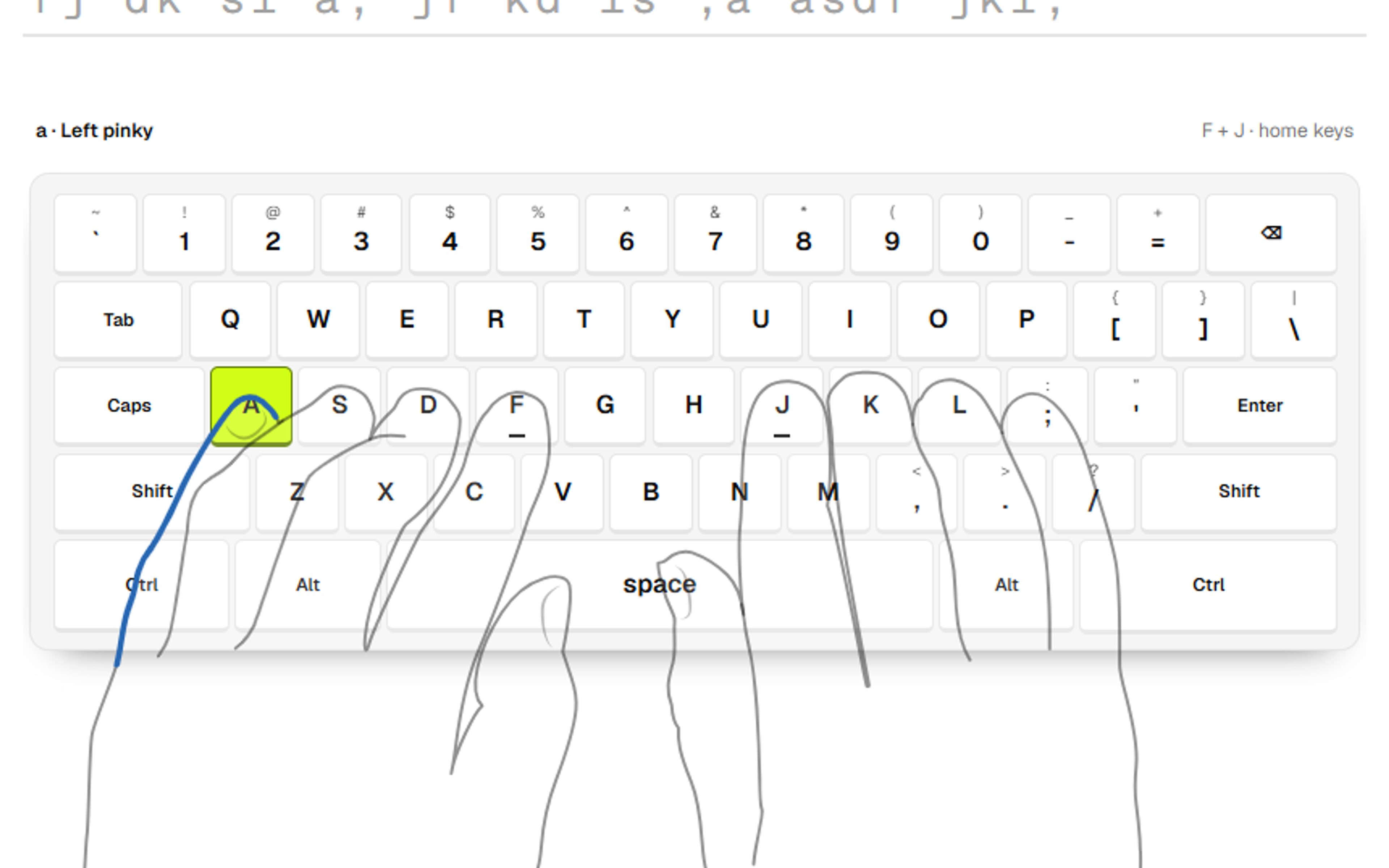
You do not need an app for this. Pick a time you can repeat and keep sessions short. Start with the home row, as in our home row and finger chart guide, and add a small number of keys at a time. Revisit older keys in each session instead of leaving them behind.
Keep accuracy ahead of speed, and look at your own progress over weeks, not hours. Check one thing at a time: first whether you can find the keys without looking, then whether your errors fall, then speed. If you are not sure what is slowing you down, note which pairs of keys you miss most and practise those.
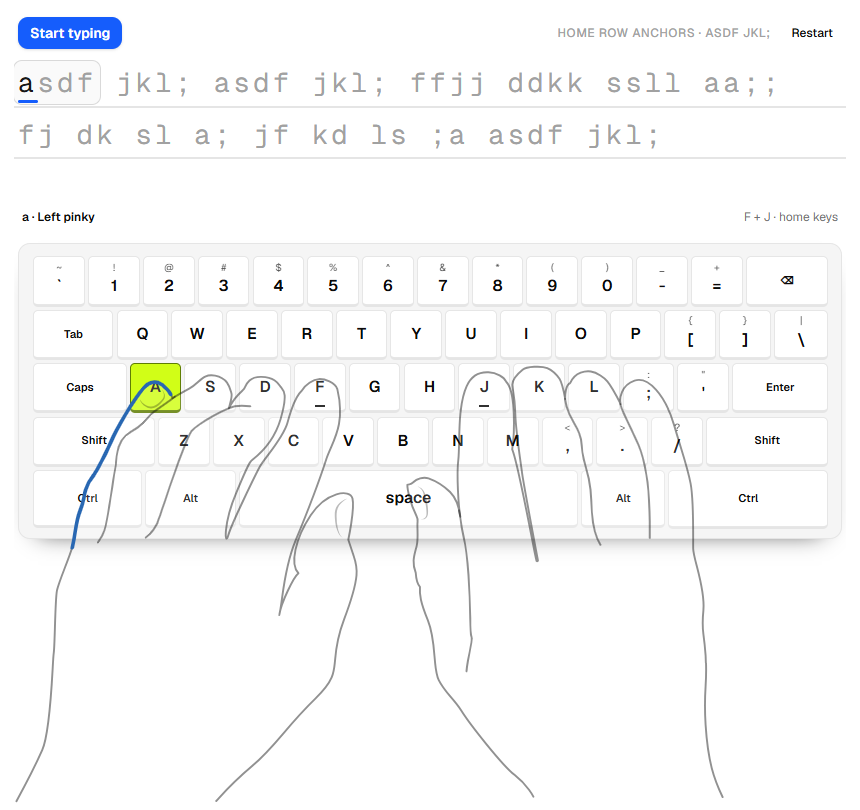
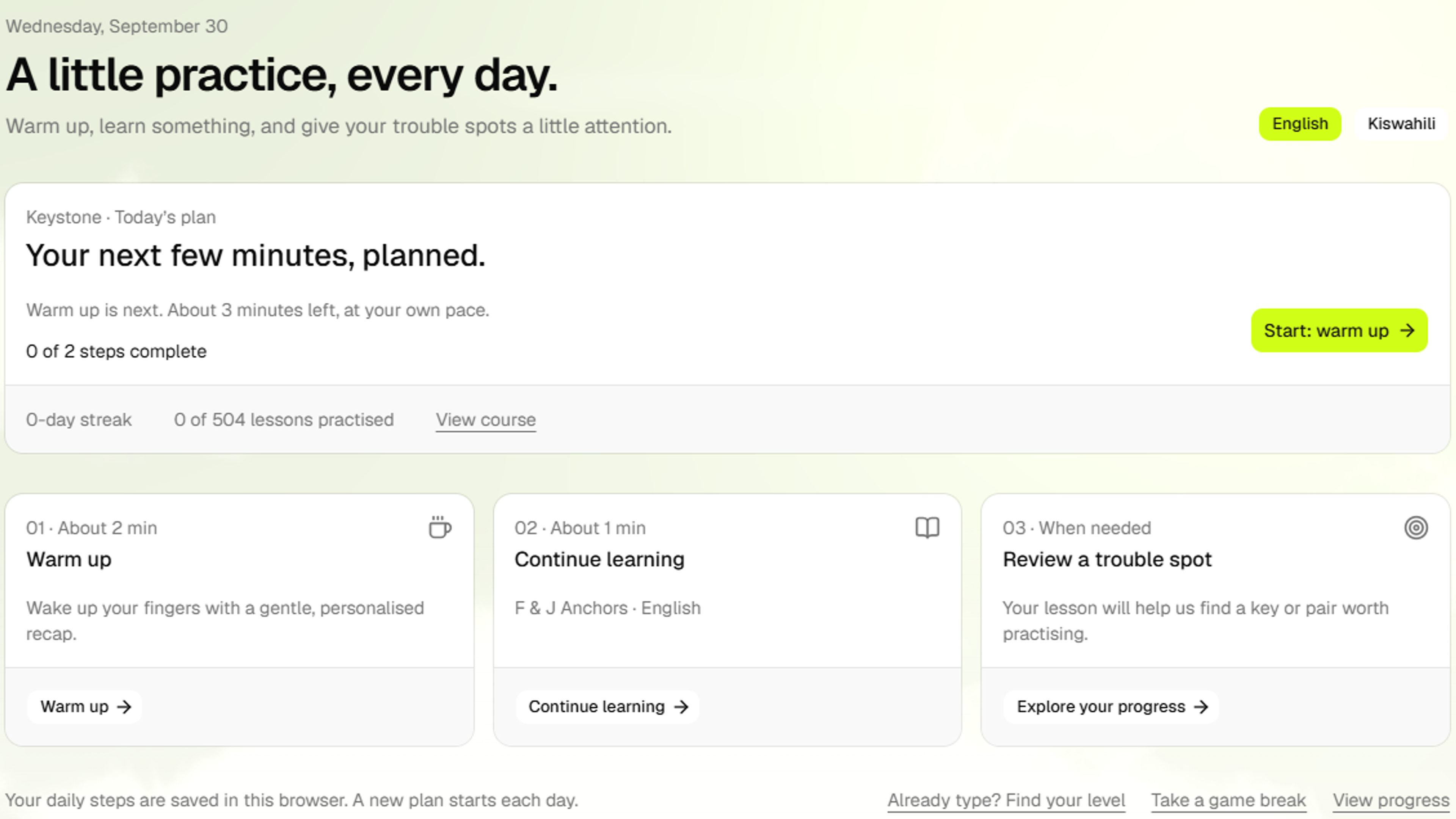
Tutype is designed to do some of this for you: a daily plan with a short warm up, a continuing lesson and a review of a trouble spot, plus a placement test of about 2 to 5 minutes so people who already type can skip the basics. It is in development, and we have no learner results yet.
Next step
If you would like to hear when Tutype launches, or want to talk about using it in a school, get in touch with us. If you are planning a learning app or website of your own, our web development service is a good place to start.
How we prepared this guide
Written by Alphonix. We make no claim about how many days or weeks touch typing takes, because we have no verified source for a fixed duration and no learner results of our own. The one research claim comes from Aalto University's news summary of its 2016 study of 30 typists. The practice design described, short sessions, spaced review and mastery on separate days, comes from the design notes of Tutype, our touch typing app that is in development and not launched; the numbers in those notes are product starting points that still need validation with real learners, and we say so in the text. The app screenshots are from our development build and show sample data.
Facts reviewed