Can you run AI on your own computer? Yes, but start small
Local AI can work without sending every prompt to a cloud service. Here is what your computer needs, what stays private, and how to try it without buying new hardware.
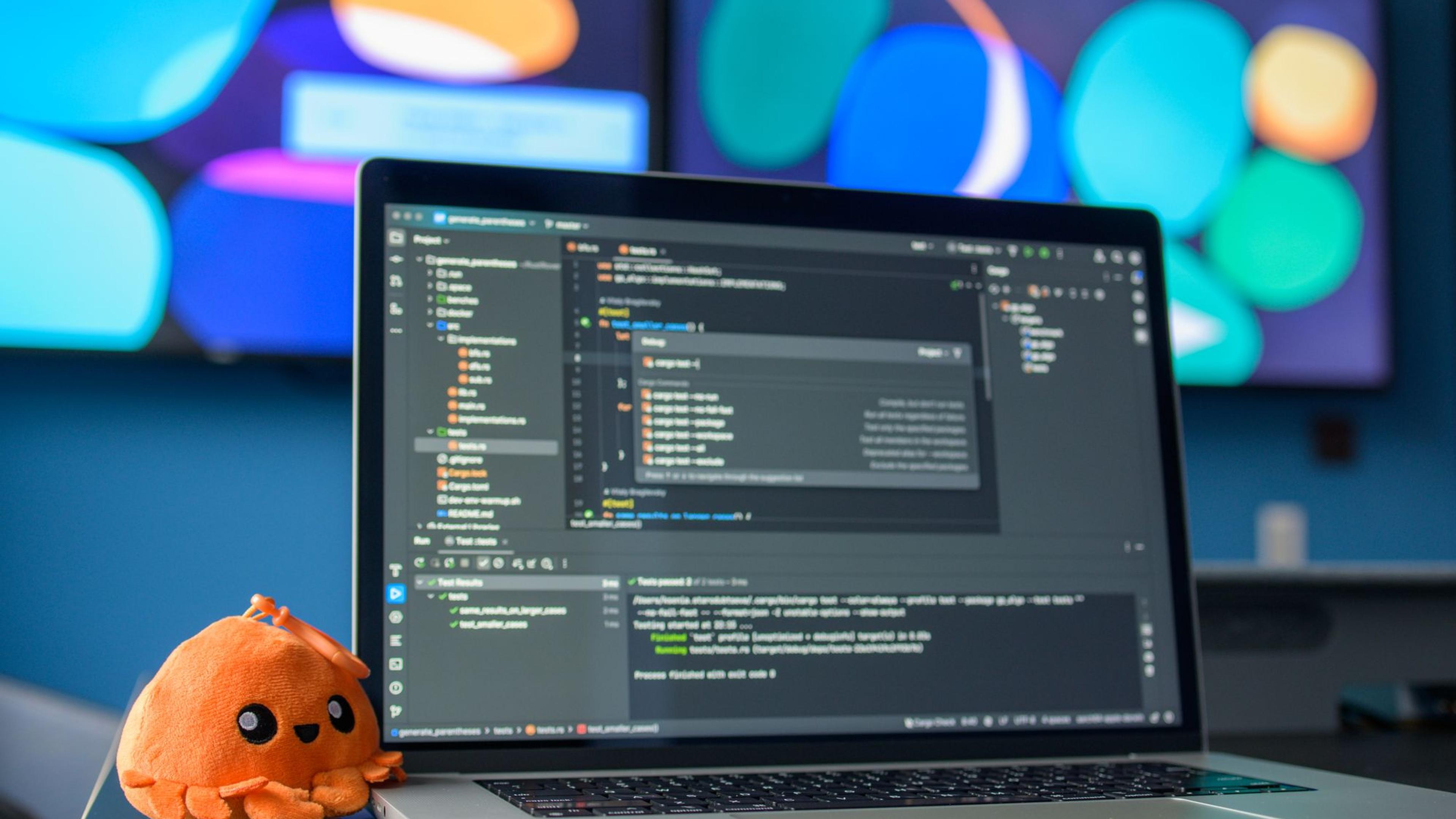
You can download an AI model and run it on your own computer. Your prompts can stay on the machine, it can work without the internet, and there may be no fee for each message.
The tradeoff is that your computer does the heavy work. A model that runs easily on a powerful desktop may feel slow or refuse to load on a basic laptop.
- Local AI means the model runs on your device
- Memory matters more than the model's reputation
- Private depends on the whole application
Local AI means the model runs on your device
Tools such as Ollama can download a model and provide a chat or local programming interface. After the files arrive, many tasks can run without sending the prompt to a model provider.
The app around the model may still use online search, updates, or other services. Check its settings before treating the whole setup as offline.
Memory matters more than the model's reputation
The model must fit into available memory along with the text you give it. Larger models generally need more memory and take longer to answer.
Compressed versions use less space and memory, with a possible loss in quality. Start small. You can move up after you know what the smaller option cannot do.
| Option | Good fit | Trade-off |
|---|---|---|
| Small model | Summaries, extraction, and simple drafts | May miss difficult instructions |
| Larger model | Harder writing and reasoning tasks | Needs more memory and power |
| Cloud model | Strong results without local setup | Prompts leave your device |
Private depends on the whole application
Running the model locally removes one common data transfer, but it does not fix every privacy issue. Conversation files, extensions, logs, and connected tools can still store or send information.
Test with public documents first. Find where chats are saved and how to delete them.
Try it on the computer you already own
Install a well-known local runner, choose a small supported model, and give it ten tasks you understand. Time the answers and watch memory use.
Try summarising a public document, rewriting a note, extracting a list, and explaining a short piece of code. Record mistakes as well as good answers.
Keep it only if it solves a real problem
Local AI makes sense for offline work, private drafts, experiments, and people who want control over the setup. A cloud service may be better when you need the strongest model and do not want to maintain anything.
You do not need to choose one forever. Many people use a small local model for everyday work and a hosted model for the difficult jobs.
How we prepared this guide
This guide explains the topic in plain language using current primary documentation and practical examples. It does not claim hands-on benchmarking. Check the linked sources for current product details.
Facts reviewed